Newsletter Subscribe
Enter your email address below and subscribe to our newsletter

 ByJohn A
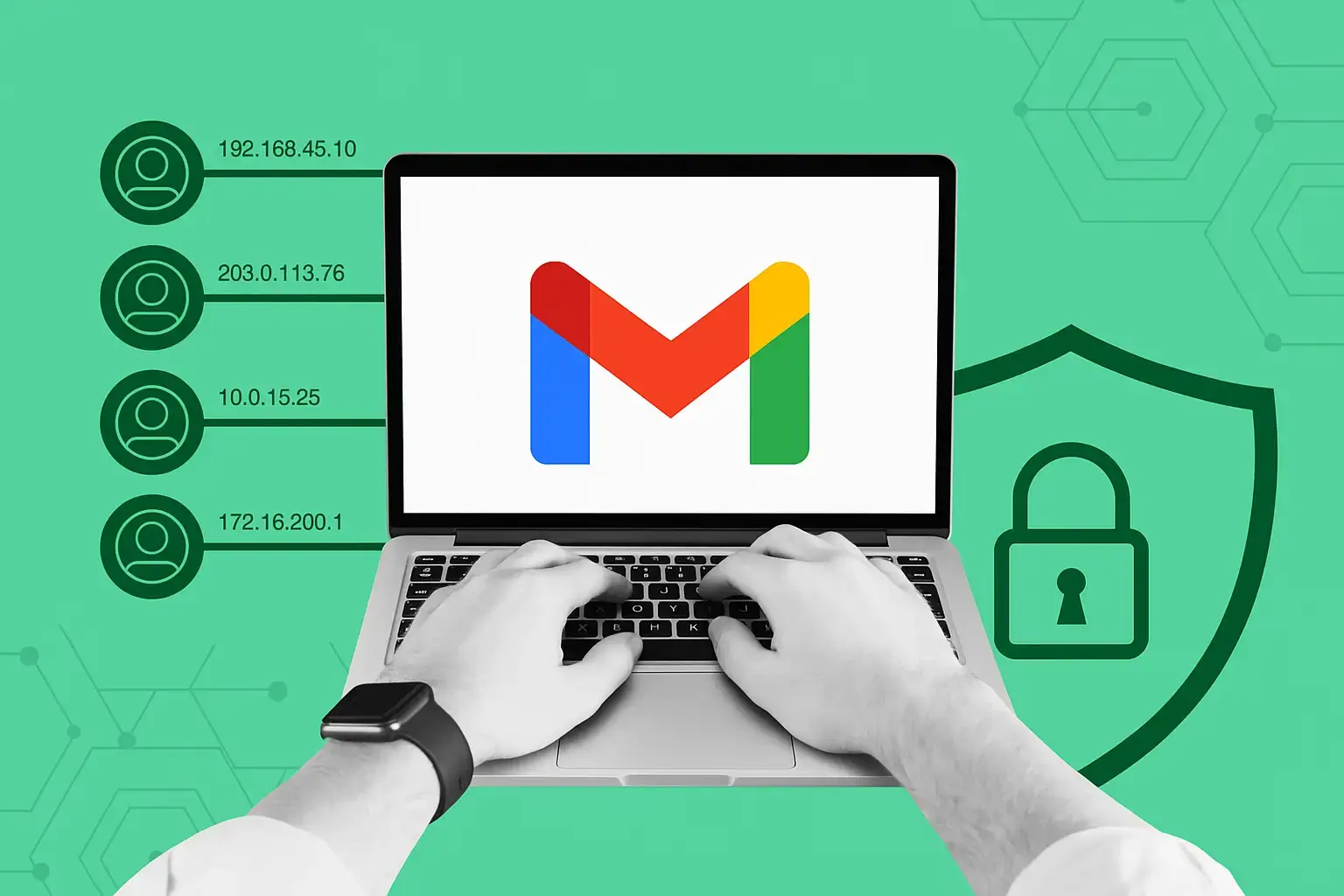
Aged Gmail accounts are email accounts that have been active for an extended period. They are often discussed in online marketplaces because some buyers believe that account history may make an address appear more established. Yet an account’s age does not prove that it is trusted, active, or suitable for every purpose.
An account should be evaluated as a complete digital identity: its ownership, security settings, activity history, reputation, and compliance status all matter. Treating age as the only selling point can lead buyers to overlook serious risks.
For legitimate users, an established mailbox may provide continuity. It may already be known by colleagues, clients, suppliers, or family members. In a business transition, maintaining a familiar contact address can reduce missed messages and make communication easier.
An older inbox may also contain useful organizational structures, such as labels, filters, archived correspondence, and saved contacts. These benefits are meaningful only when the transfer is authorized and old data is handled responsibly. Buyers should not assume that every aged account includes valuable or safe history.
Account age does not guarantee high deliverability, unrestricted access, or protection from suspension. Google evaluates account activity using multiple signals, and unusual behavior can trigger security checks regardless of how old the mailbox is. Sending large volumes of unsolicited email can damage an account’s reputation quickly.
Age also does not replace authentication or good communication practices. Businesses should configure appropriate security, use verified domains where practical, and maintain clean recipient lists. Trust is built through behavior, not merely through a creation date.
If an account is legitimately transferred, conduct a complete security review. Update the password, recovery email, recovery phone, two-step verification methods, and trusted devices. Remove unknown sessions and revoke access for unfamiliar applications. Inspect forwarding rules and filters for hidden redirection.
Do not accept an account if the seller cannot explain whether recovery details can be changed. Never share one-time codes with a seller or use software that asks for session tokens. If the account contains another person’s private messages or files, stop and resolve the privacy issue before using it.
Aged Gmail accounts should not be used to disguise unsolicited marketing or create misleading identities. For marketing, contact only people who have given appropriate permission, identify the sender clearly, and include a practical way to stop future messages. Respect local data-protection and anti-spam requirements.
For higher-volume campaigns, use a professional email platform with authentication, list management, unsubscribe processing, and complaint monitoring. These systems support sustainable communication better than attempting to turn a personal inbox into a bulk-mail engine.
Before buying an aged Gmail account, identify the actual business problem. If the goal is a stable team mailbox, Google Workspace may provide better administration and continuity. If the goal is marketing, an email service provider is more appropriate. If the goal is personal communication, creating and securing your own Gmail account may be the safest option.
Aged accounts can have a legitimate role in authorized transitions, but buyers should avoid promises of guaranteed trust or bypass capabilities. Make security, consent, ownership, and long-term control the deciding factors.